01. Decide what the image needs to do
Before writing a prompt, choose one deliverable: a square product image, a portrait poster or a wide header. Write down the main subject and the one detail that makes the idea yours. This becomes the brief you use to judge the result.
A useful first attempt keeps the scene manageable. For a coffee brand, start with the cup and its label; add the café interior only after the main object works. This makes a disappointing result easier to diagnose.
02. Turn the brief into visible details
Ideogram 4.5 accepts natural-language prompts as well as structured JSON. Start with an ordinary sentence naming the image type and subject. Then describe materials, background, light and framing. Put any words that should appear in the picture inside quotation marks.
Separate visual instructions from aspirations. “A cream cup on a stone table, lit from the left” gives you concrete features to inspect; “a premium image” leaves most decisions open. Use the prompt below, then substitute your own object, label and palette.
Try this starter prompt
Copyable English promptA product photograph of a cream coffee cup labeled "SLOW MORNING" in dark-brown rounded lettering. The cup sits on a pale stone table against a terracotta wall. Soft sunlight enters from the left. Eye-level framing, clear readable label, warm natural colors, a simple uncluttered composition.
03. Choose the frame before generating
Use the studio’s aspect-ratio control for the destination you chose: square for a compact product composition, portrait for a poster, or landscape for a header. An aspect-ratio flag pasted into the prose is not a substitute for the control.
Keep the first round focused on composition. If the object is cut off, adjust its placement or framing in the next prompt. If the frame works but a label is wrong, keep the usable image and make a focused edit instead of redesigning the entire scene.
04. Inspect, then change one thing
Inspect the subject, lettering, composition and small details separately. Compare the result with your written brief. Pick the most important mismatch and revise that part of the prompt; changing several instructions at once makes the next result harder to learn from.
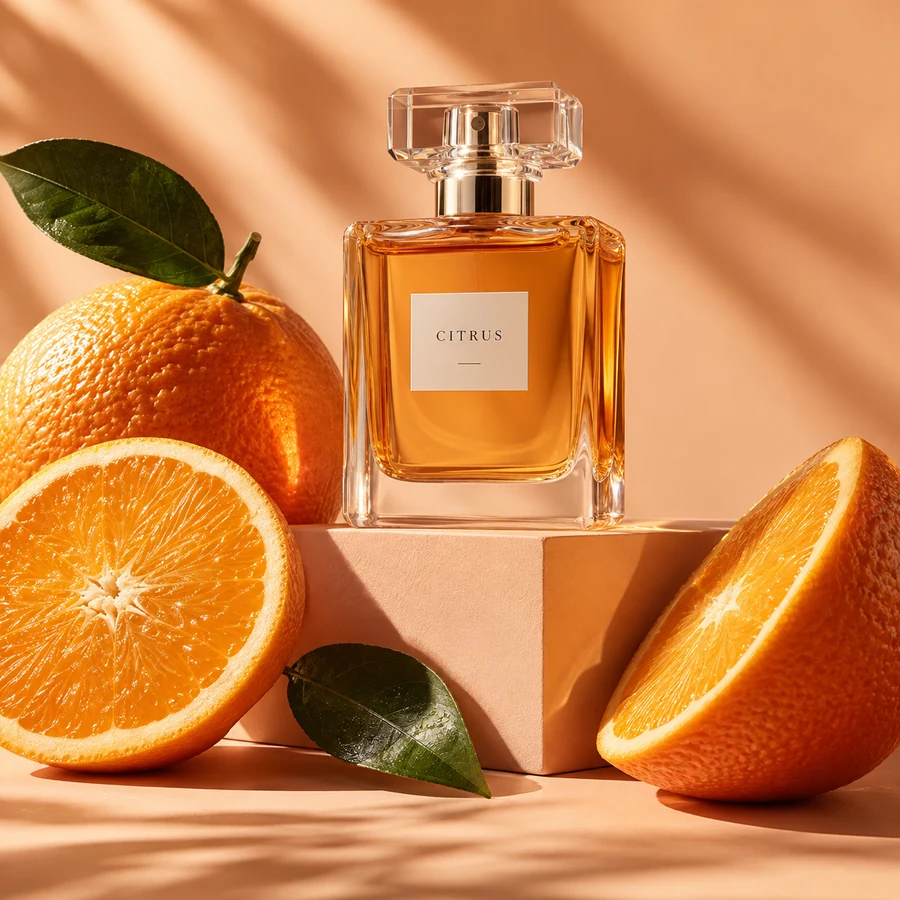
The gallery artwork on this site illustrates creative directions. It is not a record of your API request or proof that a copied prompt will produce the same image. Only a successful generation response creates a result in your studio.
- Read every letter at full size.
- Check object edges, reflections and repeated patterns.
- Keep a note of the prompt that produced a useful result.
05. Save the image while the link works
Download an image you want to keep and store its prompt alongside it. This studio uses fal.ai and does not provide a permanent image-history archive; do not treat a provider-hosted link as your own backup.
Generation requires signing in and a provider configured by the site operator. If the service is unavailable, you can still study the guides and copy prompts. A setup error is not a generated image.